


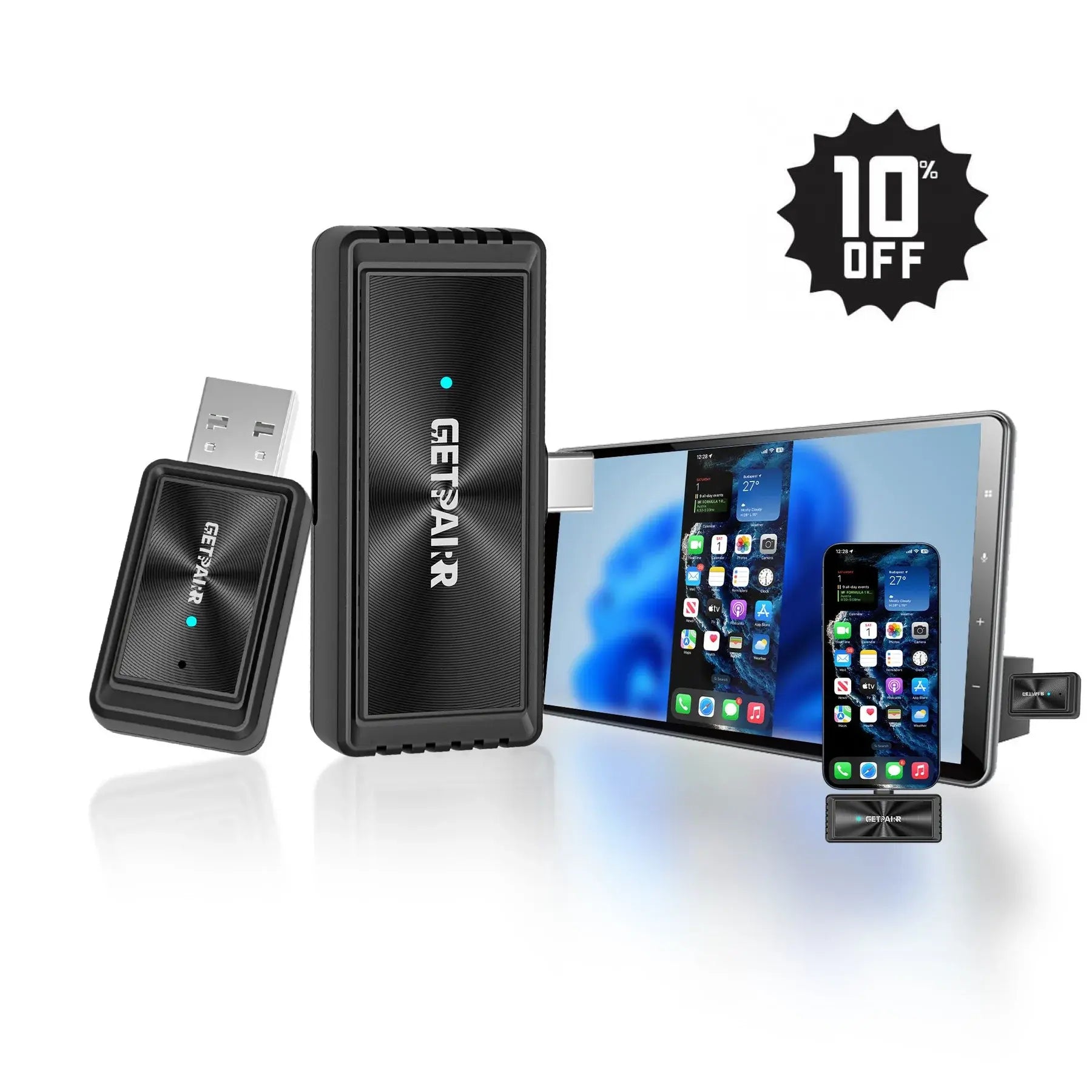





GetPairr Go 2.0
Sale priceFrom Dhs. 332.00 AED
Regular priceDhs. 929.00 AED
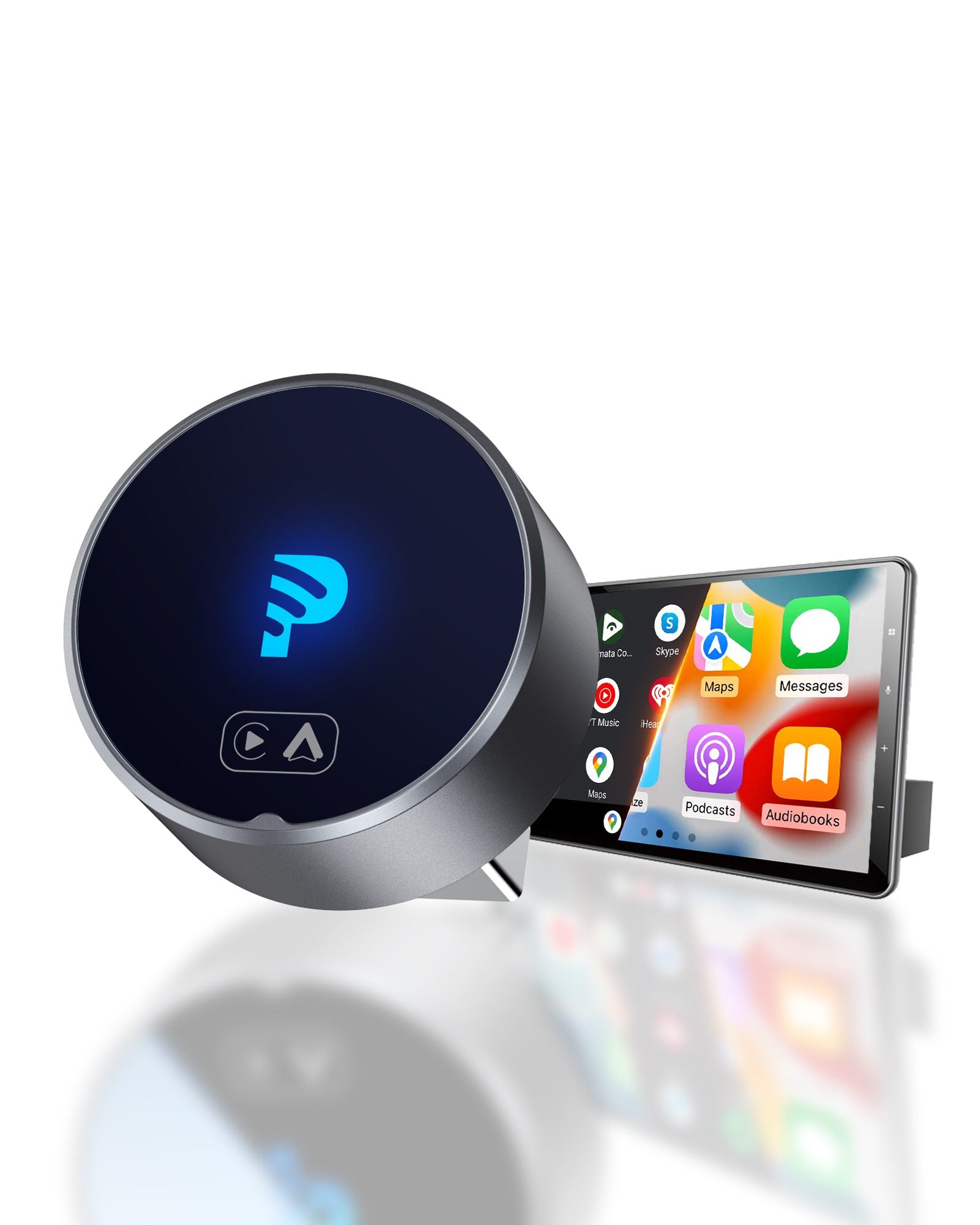
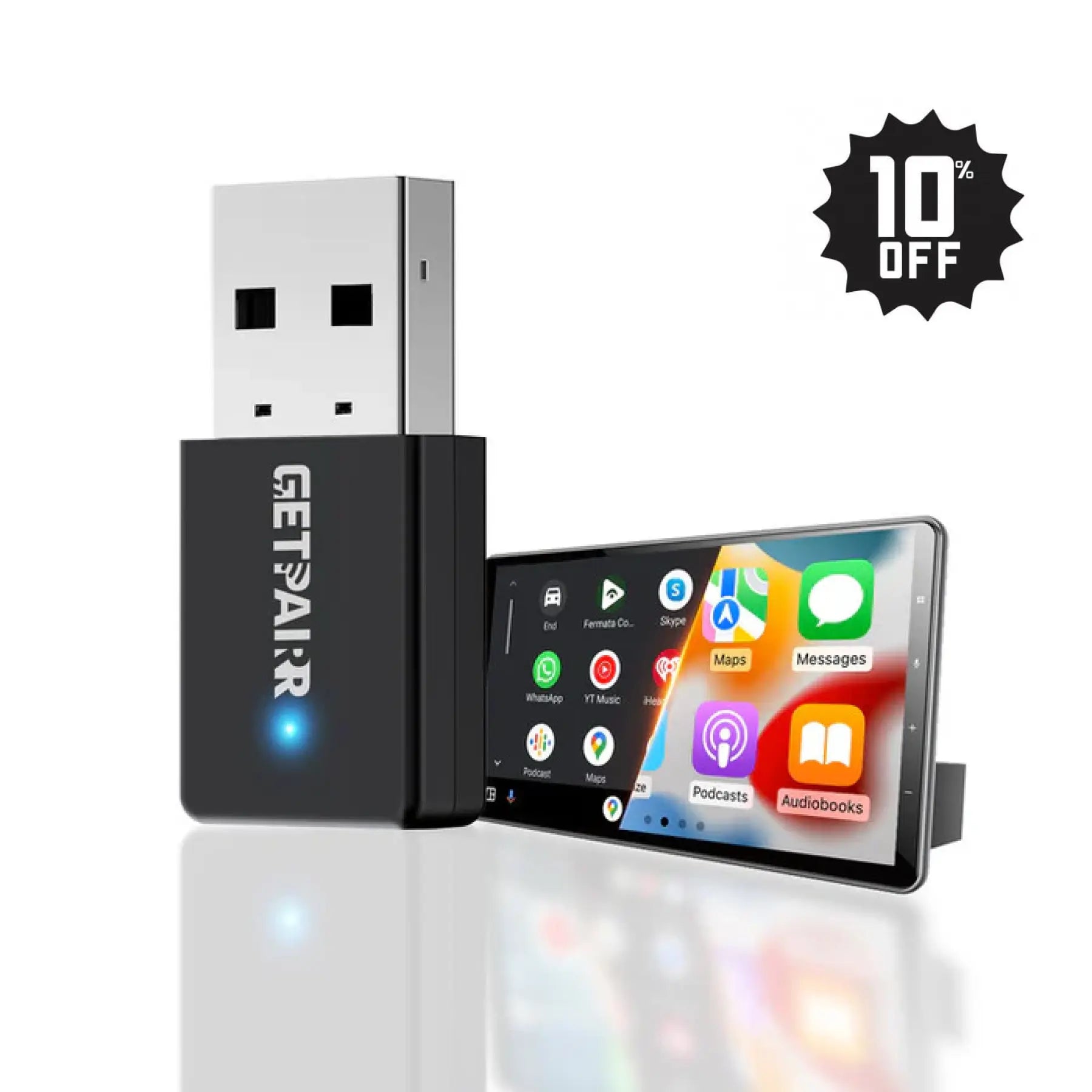
2026 Upgraded GetPairr® MiniPod | Wireless CarPlay & Android Auto Adapter
Sale priceDhs. 112.00 AED
Regular priceDhs. 370.00 AED
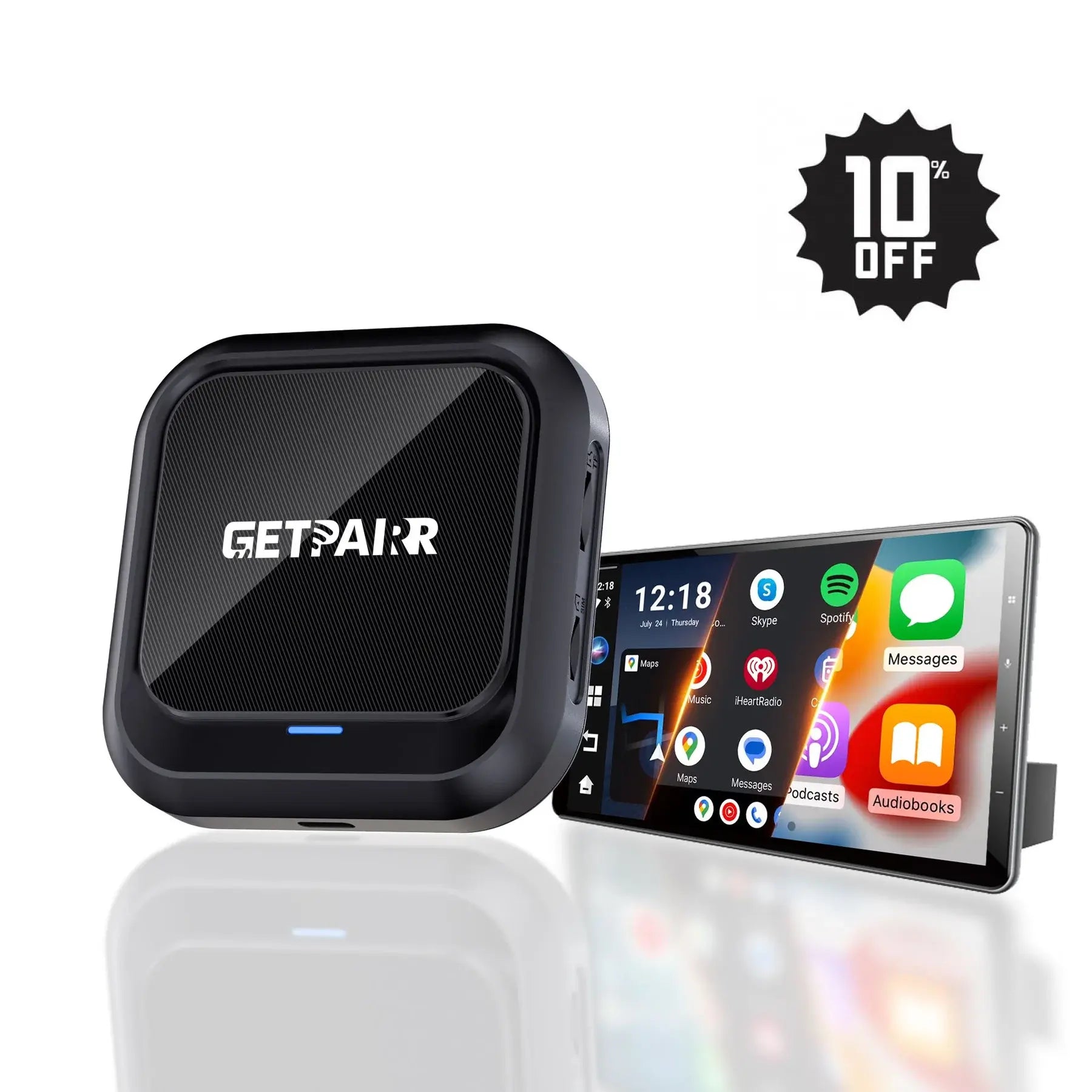
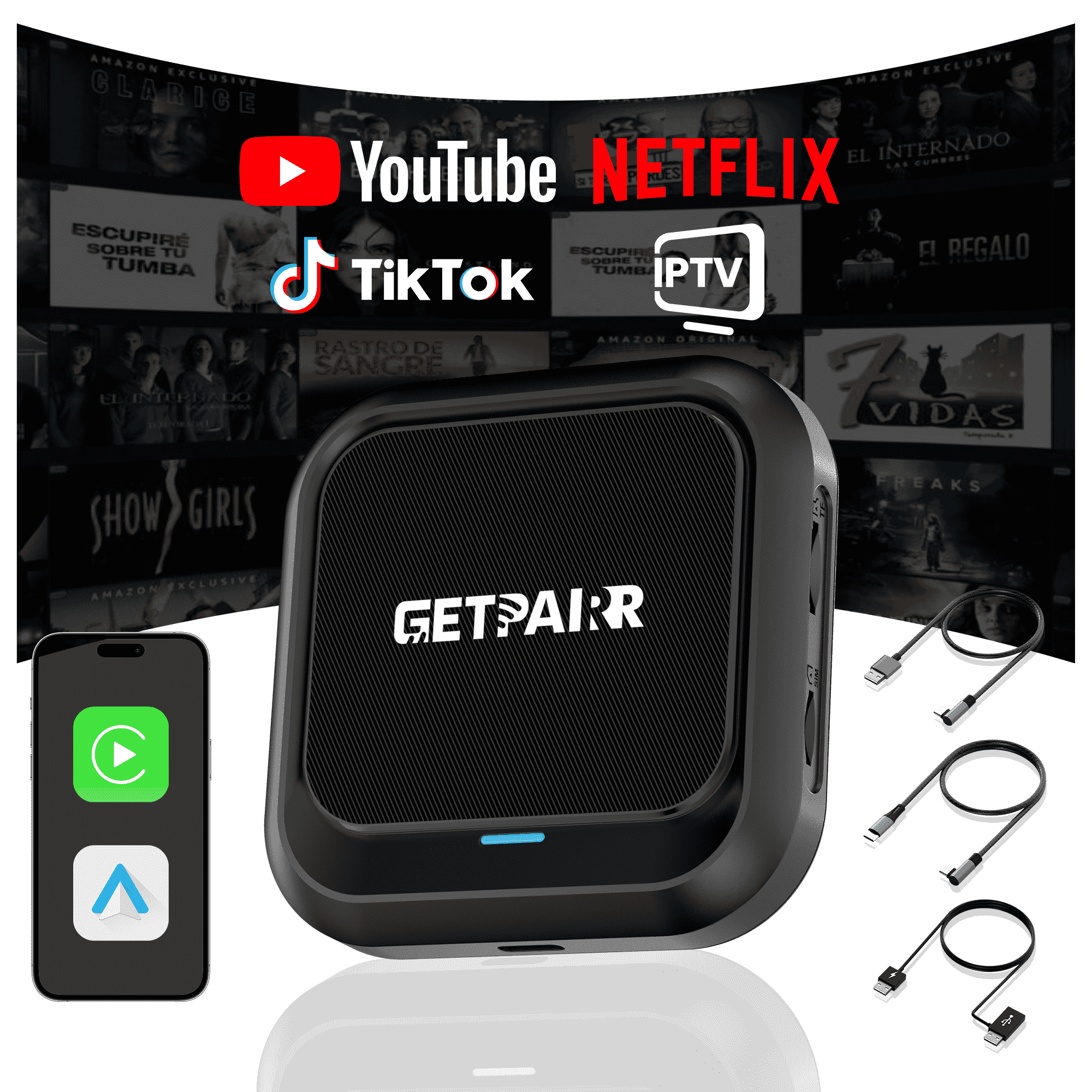
GetPairr AI Box 2.0
Sale priceDhs. 560.00 AED
Regular priceDhs. 1,119.00 AED
Everything You Need to Know About Android Auto to Apple CarPlay Converters
Considered a groundbreaking innovation, wireless Android Auto adapters have redefined the in-car experience by providing a seamless link between your smartphone and dashboard display. This interconnected drive offers immense benefits, from keeping tech-forward drivers engaged with advanced functionalities to ensuring smooth, enjoyable journeys for long-haul adventurers. Moreover, a significant value proposition arises from the limited but growing availability of convenient Android Auto to Apple CarPlay converters, presenting a cost-effective alternative for users aiming to switch ecosystems.
This breakthrough technology injects both fun and efficiency into every moment behind the wheel, making routine errands or epic cross-country trips more delightful. However, even with such powerful capabilities, it's common for users to have questions about the performance and compatibility of wireless Android Auto adapters. These queries often revolve around how well these devices integrate with various vehicles and their day-to-day practicality. If you've ever searched for phrases like "how to get Apple CarPlay in my Android Auto car," then this comprehensive blog is specifically designed to clear up any confusion.
Our mission at GetPairr is always to anticipate and resolve our readers' concerns. With this in mind, we've compiled a definitive Q&A focusing on the best wireless Android Auto solutions. There’s no need to sift through countless online forums anymore. This article will provide deep insights into top-tier wireless Android Auto adapters, directly addressing your most pressing questions and ultimately helping you maximize your time on the road.
Everything You Need to Know About Android Auto to Apple CarPlay Converters
This section compiles frequently asked questions regarding Android Auto to Apple CarPlay converters and related topics. Scroll down to find answers to your specific queries.
Q1: What exactly is an Android Auto to Apple CarPlay converter?
An Android Auto to Apple CarPlay converter is a specialized device designed to enable Apple CarPlay functionality in vehicles that originally only support Android Auto. Typically, it connects to your car's infotainment system via a USB port. Once plugged in, the converter often establishes a Wi-Fi hotspot that your iPhone then connects to. This connection allows the adapter to emulate a CarPlay environment on your car's screen, letting you utilize all of CarPlay's features – including navigation, music streaming, and messaging – as you normally would. Various models of these CarPlay conversion adapters are available on the market, such as the GetPairr Mini 2.0.
Q2: What is an Android Auto car adapter?
An Android Auto car adapter (or simply Android Auto) refers to Google's specialized version of the Android operating system tailored for the automotive environment. It enables your Android smartphone to seamlessly integrate with your car's infotainment system, providing easy, touchscreen access to your phone's key functions. With Android Auto, you can safely control navigation, manage music playback, send and receive messages, and make phone calls while driving, all through a familiar interface on your car's display.
Q3: What are the main differences between Apple CarPlay and Android Auto, and which should I choose for my car?
Users frequently inquire about the distinctions between CarPlay and Android Auto. Both Apple CarPlay and Android Auto are leading in-car infotainment systems that aim to enhance your driving experience by seamlessly linking your smartphone to your vehicle's display. Here's a breakdown of their primary differences to help you decide which is better suited for your car:
-
Compatibility:
Apple CarPlay is compatible with iPhones running iOS 7 and newer, encompassing a wide range of iPhone models released since 2013.Android Auto works with Android smartphones; however, compatibility can vary. Android phones running version 6.0 (Marshmallow) can typically connect to Android Auto via USB, while a fully wireless connection generally requires Android 10.0 or higher. -
Navigation:
Historically, Android Auto held a slight edge in navigation due to its native support for Google Maps, whereas Apple CarPlay initially relied solely on Apple Maps. However, since 2021, Apple CarPlay has also integrated Google Maps support, effectively leveling the playing field for this crucial feature. -
Entertainment & Music:
Both systems offer robust support for popular third-party music applications, including Spotify, Apple Music, and Amazon Music. Apple Music serves as CarPlay's default music app, while Android Auto traditionally defaulted to Google Play Music (now YouTube Music). -
Communication & Messaging:
Both Apple CarPlay and Android Auto provide hands-free calling and messaging capabilities. Apple CarPlay primarily supports Apple Messages and WhatsApp. In contrast, Android Auto historically boasts broader app support for messaging, including WhatsApp, Facebook Messenger, Google Allo, Hangouts, Skype, and Telegram. -
Third-Party Apps:
Android Auto has generally offered broader support for third-party applications, boasting over 100 compatible apps, compared to Apple CarPlay's somewhat more curated selection (historically fewer than 20). Nevertheless, critical applications like Google Maps are universally available across both platforms. -
Ease of Use & Voice Control:
Usability often boils down to individual preference. Apple CarPlay, based on the iOS ecosystem, is celebrated for its intuitive and clean design. Android Auto follows suit with its own user-friendly interface. Regarding voice control, Android Auto leverages Google Assistant, which typically offers a wider range of integrated app functionalities.
Q4: Can Android Auto be used on Apple CarPlay?
No, Android Auto and Apple CarPlay are fundamentally incompatible and cannot run directly on each other's platforms. Android Auto is designed exclusively for Android smartphones, just as Apple CarPlay is built solely for iPhones. Each system features its unique interface, applications, and functionalities tailored to its supporting operating system. However, it's important to note that certain universal wireless CarPlay adapters exist that offer compatibility with both Android Auto and Apple CarPlay, allowing you to switch between them.
Q5: How do I connect Apple CarPlay to Android Auto?
You cannot directly connect Apple CarPlay to Android Auto, or vice-versa, as they are independent and incompatible systems developed by different companies. To use Apple CarPlay, you need an iPhone; to use Android Auto, you need an Android smartphone. Both systems also require your vehicle to have a compatible infotainment system, which you access by connecting your smartphone via USB or wirelessly, depending on your car and phone's capabilities. For cross-platform use, a specialized Android Auto to Apple CarPlay converter or a dual-compatible wireless adapter is necessary.
Q6: Is there a way to use an Android Auto to Apple CarPlay converter?
Yes, using an Android Auto to Apple CarPlay converter typically involves these steps:
- Ensure your Android device is updated to its latest software version.
- Plug the converter into your car's designated USB port.
- Connect your Android phone to the converter's Wi-Fi hotspot.
- Open the Android Auto app on your phone and follow the on-screen instructions to establish the connection via the converter.
Q7: Why isn't my Android Auto to Apple CarPlay converter working correctly?
Several factors could prevent your Android Auto to Apple CarPlay converter from functioning properly:
- Vehicle Incompatibility: Your car might not be fully compatible with the specific converter model.
- Outdated Android System: Your Android device may not be running the latest software version, causing compatibility issues.
- Device Malfunction: The converter itself might have a temporary glitch. Try restarting the converter by unplugging and re-plugging it.If problems persist, it's best to contact the device manufacturer's support for specific troubleshooting or warranty assistance.
Q8: What are the benefits of using an Android Auto to Apple CarPlay converter?
Utilizing an Android Auto to Apple CarPlay converter offers several compelling advantages:
- You gain the ability to use Android Auto in a vehicle that inherently only supports Apple CarPlay.
- It provides safe and convenient access to your phone's apps for navigation, music, and messaging while driving.
- You eliminate cable clutter, enjoying a cleaner dashboard environment.
- It offers a cost-effective alternative to expensive head unit replacements for cross-platform support.
Q9: Can I upgrade my old car to support Apple CarPlay?
Yes, upgrading an older car to support Apple CarPlay is definitely feasible, though it typically requires purchasing aftermarket hardware and often professional installation. Various companies and auto shops offer conversion kits and installation services to add Apple CarPlay compatibility to older vehicles. These kits usually include a new CarPlay-compatible head unit or infotainment system, along with the necessary wiring and installation. Remember that the feasibility and cost of such modifications will vary significantly based on your car's make and model. Alternatively, consider a universal wireless adapter that offers full compatibility with both iOS and Android systems for a simpler upgrade.
Q10: Which car manufacturers support both Android Auto and Apple CarPlay?
A vast majority of modern car manufacturers now provide both Android Auto and Apple CarPlay compatibility across their vehicle lineups. Leading brands that support these systems typically include Audi, Ford, Honda, Mercedes-Benz, Toyota, Volkswagen, Volvo, and many others. Compatibility can, however, vary by specific model year and trim level, so it's always advisable to consult the manufacturer's website or your vehicle's specifications to confirm availability.
Q11: Can I use an Android Auto to Apple CarPlay converter without an internet connection?
An Android Auto to Apple CarPlay converter requires a data connection for many of its core functionalities, including real-time navigation updates and music streaming from online services. While some basic features might be accessible offline (e.g., pre-downloaded maps or locally stored media), a consistent data connection is highly recommended for the optimal experience. If you're concerned about data consumption, consider downloading maps and media files before your journey.
Q12: Do Android Auto to Apple CarPlay converters support third-party applications?
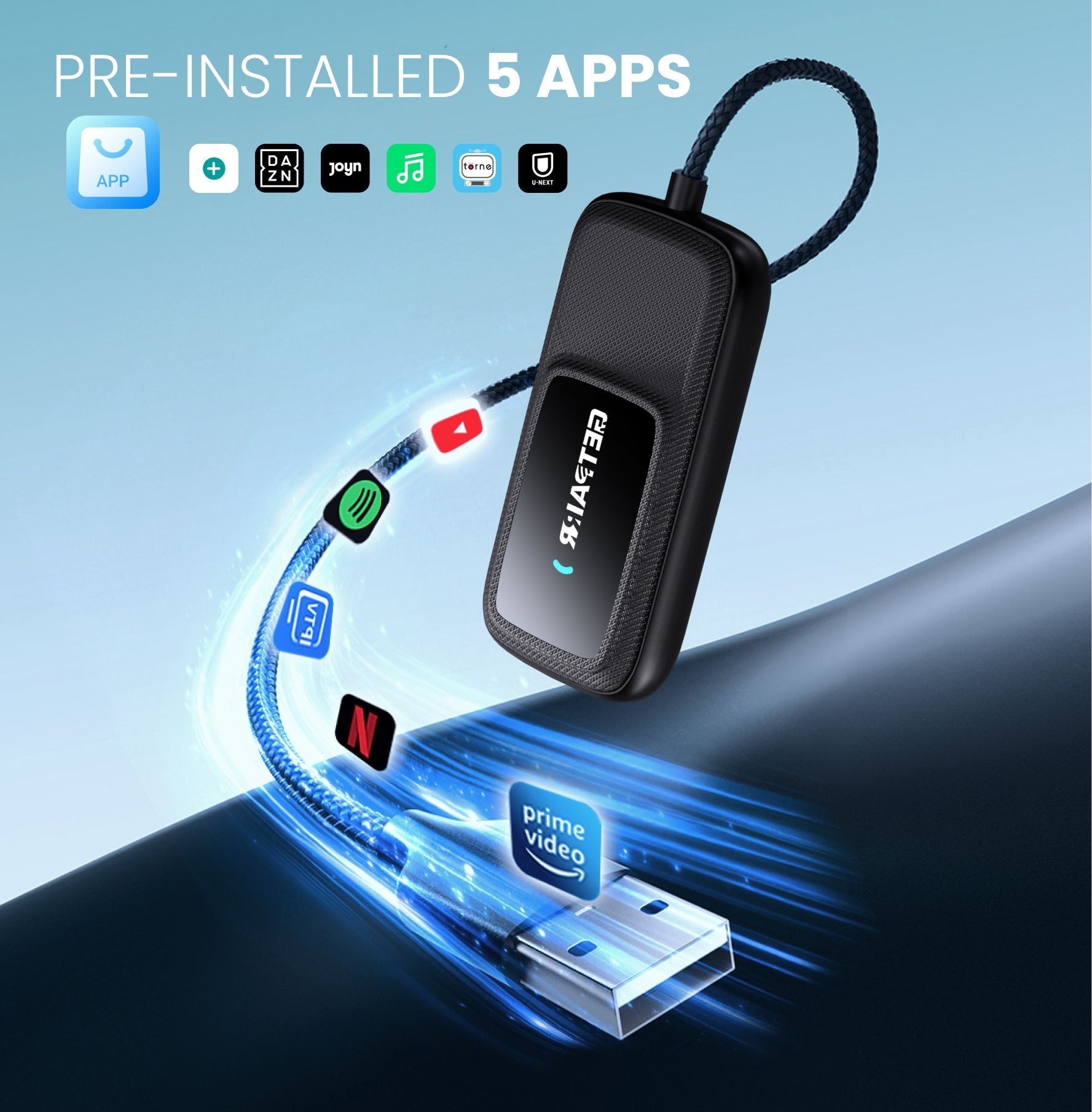
Yes, almost all quality Android Auto to Apple CarPlay converters are designed to support a wide range of third-party applications compatible with their respective platforms. Furthermore, some advanced wireless adapters, such as the Play2Video Wireless CarPlay/Android Auto 2-in-1 Adapter, come with built-in applications like YouTube and Netflix, allowing for enhanced in-car entertainment. These versatile adapters typically support both iOS and Android devices.
Q13: What are the best Android Auto to Apple CarPlay converters available?
The market offers numerous aftermarket devices and adapters for converting between Android Auto and Apple CarPlay. Here are a few notable options and types:
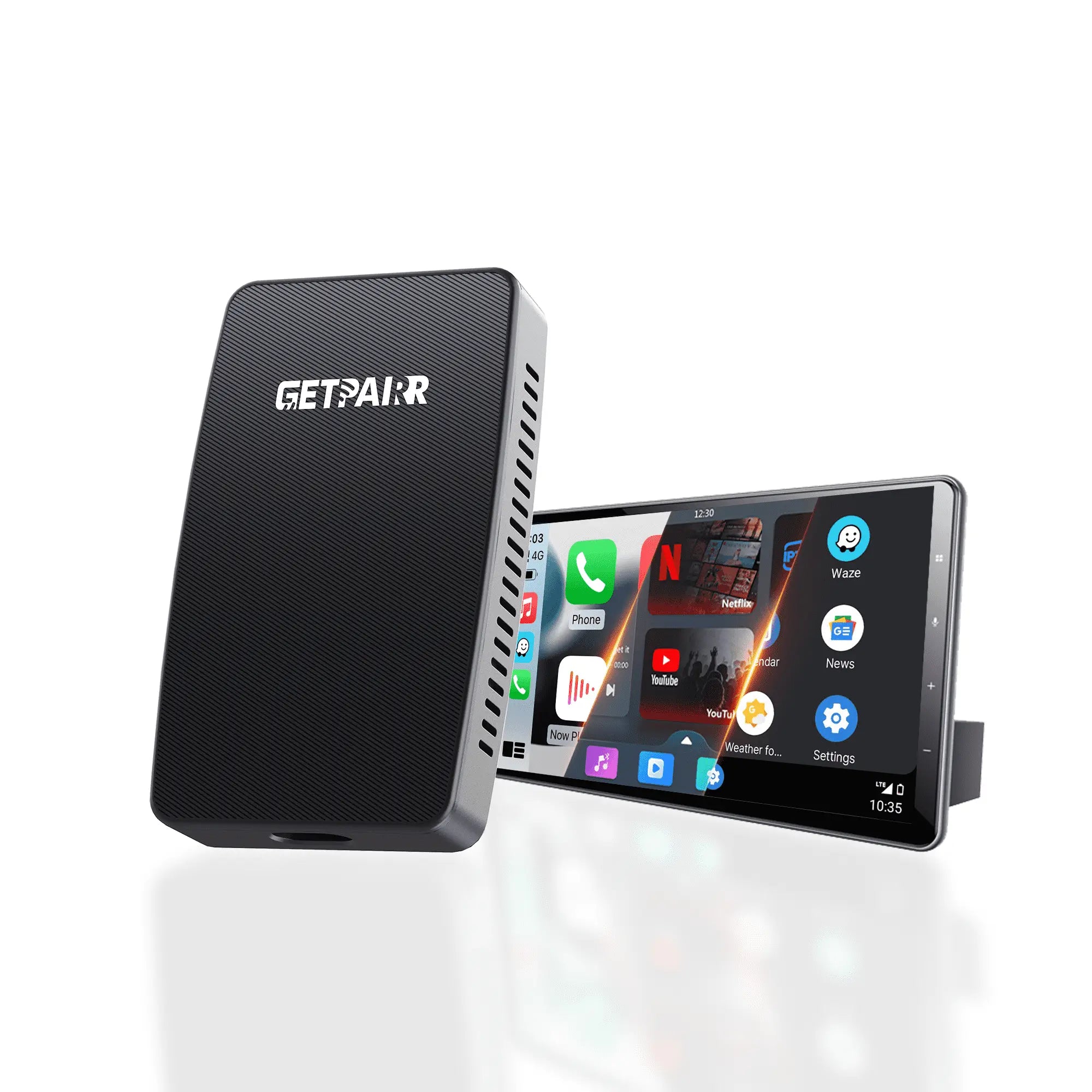
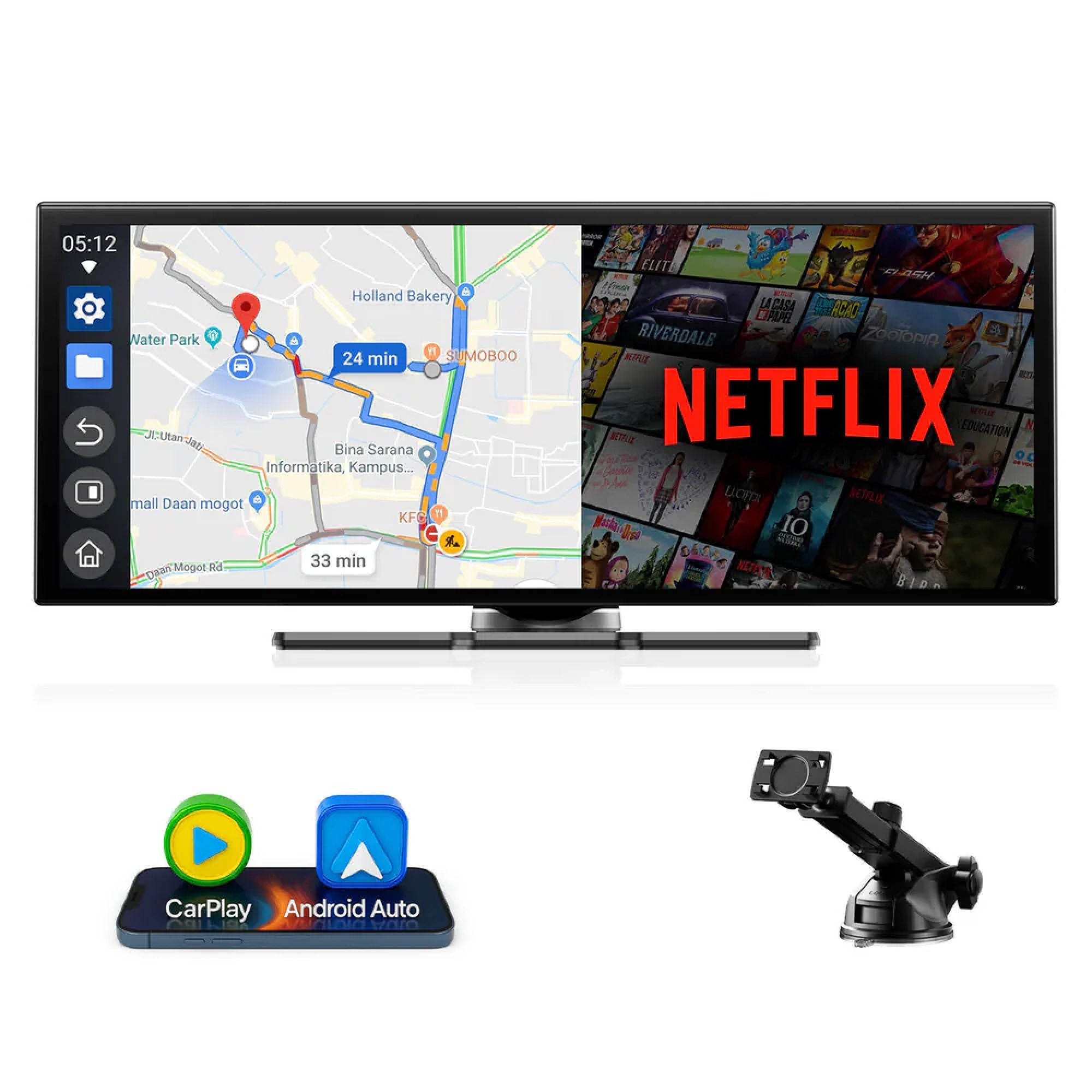
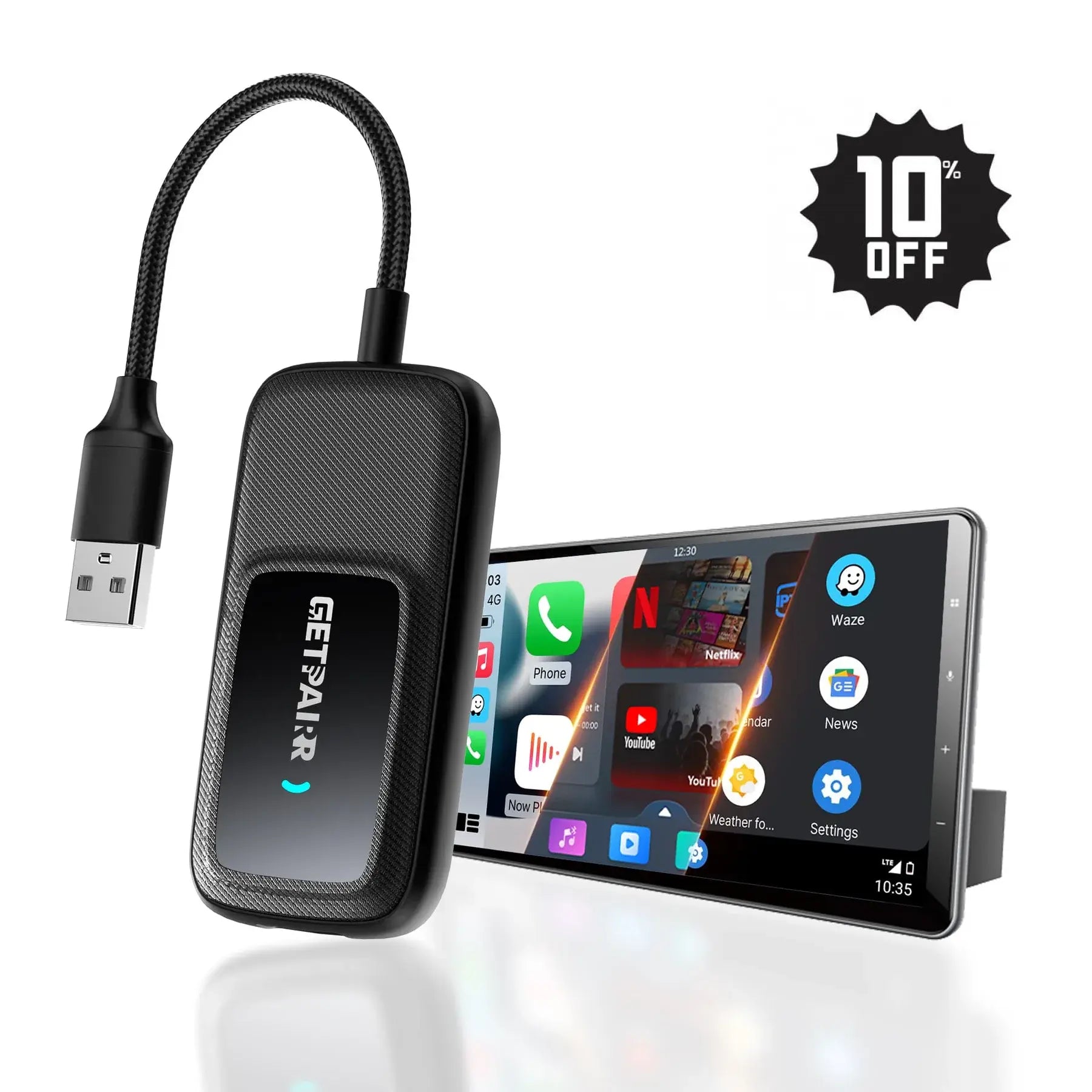
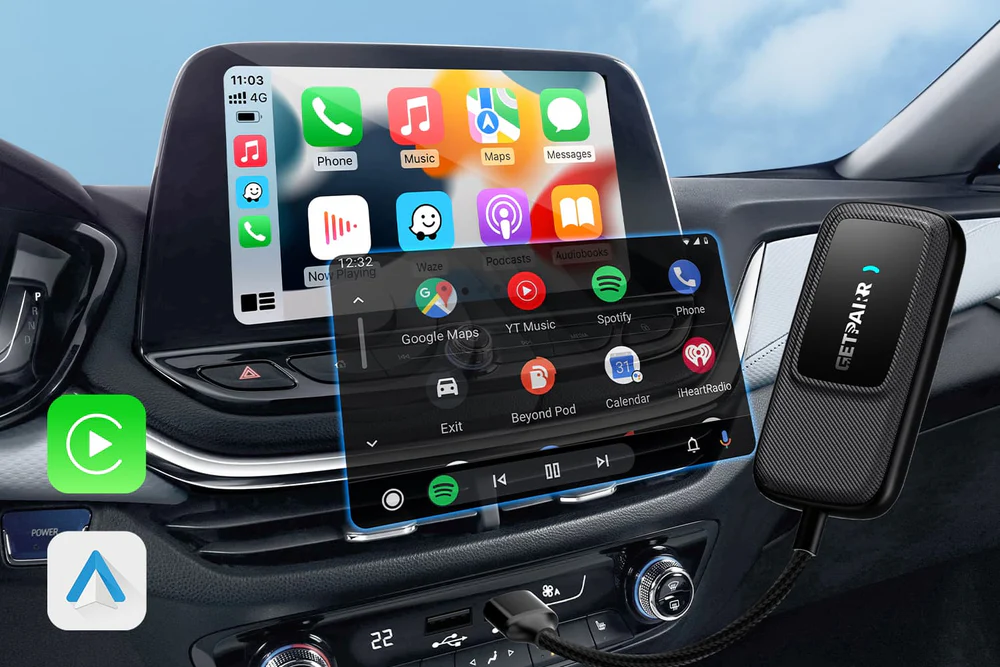
- GetPairr Go 2.0: The Play2Video adapter is a versatile device that effortlessly transforms your car's existing wired CarPlay system into either wireless CarPlay or wireless Android Auto. It even includes built-in applications like YouTube and Netflix for direct in-car entertainment.
- Universal Wireless Adapters (e.g., GetPairr): Companies like GetPairr specialize in wireless adapters that upgrade your existing wired Android Auto or CarPlay into a wireless system, often allowing for seamless switching between both platforms for multi-user households.
- GetPairr Mini 2.0: The GetPairr Mini 2.0 is a dedicated wireless adapter designed to convert your original wired Android Auto or CarPlay system into a wireless one. It's ideal for vehicles (or even motorcycles) equipped with factory wired CarPlay and offers compatibility with both Android and Apple phones.
- Third-Party Android Auto to CarPlay Converters: Other independent manufacturers provide standalone converters that facilitate switching between Android Auto and CarPlay without needing a full head unit replacement. These are generally plug-and-play devices that connect to your car's USB port.
Q14: What features do universal Android Auto to Apple CarPlay converters offer?
A universal Android Auto to Apple CarPlay converter is a versatile wireless adapter compatible with both Apple and Android systems. Here are several key advantages of using such a device:
- It supports both wireless Android Auto and wireless CarPlay connections.
- Ideal for multi-user vehicles, allowing easy switching between different smartphones.
- Utilizes Bluetooth and Wi-Fi for connectivity, eliminating the need for messy cables.
- Offers simple USB plug-and-play setup, requiring no complex installation.
- Provides automatic connection upon entering the vehicle for a truly wireless experience.
- Retains all original CarPlay (or Android Auto) functionalities.
- Delivers fast response times and smooth wireless communication.
- Supports online software updates for improved compatibility and new features.
Q15: What is a "multi-function adapter" in this context?
A "multi-function adapter" in the realm of car connectivity often refers to devices that act as Android Auto to Apple CarPlay converters while simultaneously offering broader compatibility with both iOS and Android systems. Generally, a multi-function adapter integrates several capabilities into a single device or accessory, providing a convenient and versatile solution for various in-car needs. Its specific characteristics and features will vary based on its intended design and application scenarios, but the core idea is unified, cross-platform utility.
Q16: Is an Android Auto to Apple CarPlay converter easy to use?
The ease of use for Android Auto to Apple CarPlay converters can vary. While some CarPlay and in-car adapters might require professional installation, many modern Android Auto to Apple CarPlay converters, particularly those from brands like GetPairr, are designed for straightforward, plug-and-play setup. They bypass complex installation rules, allowing users to easily connect and configure them in just a few simple steps.
Q17: Can I alternate between different smartphones on my Android Auto to Apple CarPlay converter?
Yes, many modern Android Auto to Apple CarPlay converters are designed with multi-user functionality in mind. While not universally supported by all devices, several brands explicitly promise compatibility with different smartphones, making them ideal for family vehicles or users who switch between devices. This feature allows you to seamlessly interchange and connect various phones, offering flexibility for all drivers.
Q18: Which system should I choose, and how do they compare overall?
Your choice between an Android Auto or Apple CarPlay converter (or a universal adapter) should ultimately be based on your personal needs and preferences. When making your decision, it's advisable to compare factors such as:
- Performance: Responsiveness and speed of the interface.
- Quality: Device build and software stability.
- Third-Party App Integration: The range and type of apps supported by each system.
- Compatibility: How well it integrates with your specific car model and smartphone ecosystem.
- User Interface: Which design and navigation style you find more intuitive.
Q19: What are the limitations of Android Auto to Apple CarPlay converters?
While highly beneficial, Android Auto to Apple CarPlay converters do come with certain limitations and drawbacks:
- Vehicle Compatibility: Not all car models are compatible with every Android Auto to Apple CarPlay converter. For instance, some premium brands (like BMW) might have specific restrictions. It is crucial to always check the compatibility list provided by the manufacturer before making a purchase.
- Cost: Quality Android Auto to Apple CarPlay converters, especially those offering advanced features and stable performance, can represent a significant investment.
- Feature Parity: Some converters may not support every single feature of the native Android Auto (or CarPlay) system. For example, specific voice commands or advanced wireless functionalities might be limited on certain converter models.
Q20: Do these converters introduce any lag or delay in CarPlay's performance?
A20: The performance of Android Auto to Apple CarPlay converters can vary. High-quality adapters from reputable brands (like Ottocast) are engineered to minimize lag, providing a near-native CarPlay experience. However, factors like the adapter's processor, RAM, your phone's performance, and even the car's USB port power output can influence responsiveness. If you notice significant delay, ensure both your phone and the adapter have the latest firmware updates.
Q21: How do these converters get power? Do they drain my car's battery?
A21: Most CarPlay conversion adapters draw power directly from your car's USB port. They are generally designed to have minimal power consumption and should not significantly drain your car's battery, especially when the car is turned off. However, it's always good practice to unplug the adapter if you plan to leave your car parked for an extended period (e.g., several days) to eliminate any parasitic drain, though this is rarely necessary.
Q22: Will using a converter affect my car's original warranty?
A22: No, using a CarPlay conversion adapter generally will not affect your car's original warranty. These devices are plug-and-play and make no permanent modifications to your vehicle's hardware or software. They simply interact with the existing infotainment system through the USB port, similar to plugging in a USB drive or charging cable. If you ever have a car-related issue, you can simply unplug the adapter.
Q23: Can I still use my car's original Android Auto if I install a converter?
A23: Yes, in most cases. CarPlay conversion adapters are designed to be non-invasive. When the adapter is plugged in and connected, it will typically launch CarPlay. If you unplug the adapter, your car's original Android Auto system will revert to its normal function, allowing you to use it with an Android phone as before. This flexibility makes them ideal for multi-phone households.
Q24: What if my car has wireless Android Auto already? Can I use a converter for wireless CarPlay?
A24: This is a key distinction. Most CarPlay conversion adapters are designed for vehicles with wired Android Auto to convert that wired connection into CarPlay. If your car already has wireless Android Auto, you'll need to check the specific adapter's compatibility. Some advanced adapters (like certain Ottocast AI Boxes) can indeed work with wireless Android Auto cars to add wireless CarPlay or even an Android OS, but this is less common and should be verified with the product specifications.
Q25: Do these converters support my car's steering wheel controls or touchscreen?
A25: Yes, a well-designed Android Auto to Apple CarPlay converter will typically retain full functionality of your car's existing input methods. This includes:
- Steering wheel controls: For volume, track skipping, and voice commands (activating Siri).
- Touchscreen: Full touch interaction with the CarPlay interface.
-
Rotary dials/buttons: If your car uses these for infotainment control, they should also function.
This seamless integration is a major benefit over simple phone mounting.
Q26: What's the difference between a "CarPlay conversion adapter" and an "Android AI Box"?
A26:
- CarPlay Conversion Adapter (e.g., GetPairr mini for some functions): Primarily focuses on converting your car's existing Android Auto (or wired CarPlay) connection into Apple CarPlay (or vice-versa). Their main job is protocol conversion.
- Android AI Box (e.g., GetPairr AIBox, GetPairr go features): These are more advanced. They essentially turn your car's screen into a full-fledged Android tablet, running an independent Android operating system. They can then also run CarPlay wirelessly, but their core capability is bringing a full Android experience (including app stores, video streaming apps like Netflix/YouTube built-in, etc.) to your car's display. They offer more functionality beyond just a simple conversion.
Q27: How do I update the firmware on my CarPlay conversion adapter?
A27: Updating the firmware is crucial for ensuring optimal performance and compatibility. Most reputable brands provide easy update methods:
- Companion App: Many adapters have a dedicated app you download to your smartphone, which connects to the adapter to check for and install updates.
-
Web Interface: Some adapters create a local Wi-Fi network. You connect your phone or laptop to this network and access a web page (usually an IP address like 192.168.x.x) to manage settings and initiate updates.
Always follow the manufacturer's specific instructions to avoid issues during the update process.
Q28: Will a converter affect the sound quality of my car's audio system?
A28: Generally, a high-quality Android Auto to Apple CarPlay converter should not noticeably degrade your car's audio quality. These adapters transmit digital audio signals, which your car's infotainment system then processes. Any perceived difference would likely be minimal, similar to the difference between a wired CarPlay connection and your car's Bluetooth audio. If you experience significant audio degradation, it could indicate a faulty adapter or an issue with its connection.
Q29: Are these converters safe to use? Do they interfere with other car systems?
A29: Yes, reputable CarPlay conversion adapters are designed with safety in mind. They operate on standard communication protocols (USB, Bluetooth, Wi-Fi) and are not designed to interfere with critical vehicle systems like engine management, braking, or safety features. As long as you purchase a certified product from a trustworthy brand, you can expect safe operation. Always remember to use CarPlay features responsibly and never let them distract you while driving.
Reading next


GetPairr Go 2.0
Sale priceFrom Dhs. 332.00 AED
Regular priceDhs. 929.00 AED
2026 Upgraded GetPairr® MiniPod | Wireless CarPlay & Android Auto Adapter
Sale priceDhs. 112.00 AED
Regular priceDhs. 370.00 AED
GetPairr AI Box 2.0
Sale priceDhs. 560.00 AED
Regular priceDhs. 1,119.00 AED
FAQ
Use this text to share information about your product or shipping policies.
1. Can I use Apple CarPlay with an Android phone?
No, Apple CarPlay only works with iPhones. If you have an Android phone, you'll need to use Android Auto. Each system is made to work with its own type of phone.
2. Do I need a special cable for CarPlay or Android Auto?
For USB use, CarPlay works best with Apple-certified cables. Android Auto works with most USB-C or micro-USB cables. Both systems also have wireless options, but your car must support them.
Tip: Check your car's manual to see if it allows wireless pairing.
3. Which system is better for navigation?
It depends on what you like. Google Maps on Android Auto is very accurate and has many features. Apple Maps on CarPlay is simpler and works well with iPhones. Both systems also let you use Waze for more choices.
4. Can I customize the interface of CarPlay or Android Auto?
Yes! CarPlay lets you move app icons around. Android Auto gives you more ways to change the layout and pick themes. If you like to personalize, Android Auto offers more options.
5. Are these systems safe to use while driving?
Yes, they are made to keep you safe. Both systems use voice commands, simple screens, and hands-free controls. This helps you stay focused on the road instead of your phone.
Note: Set up your system before driving to avoid distractions.